

Enrollment made effortless
Families book their enrollment appointment online, upload the paperwork you need in advance, and walk in already expected. Schoolea has handled enrollments for hundreds of schools since 2013, which means your team spends appointment time welcoming families rather than chasing documents.
How it works
Open your enrollment slots
Set your processing hours, appointment length, and how many families per slot. Run separate events for in-zone and out-of-zone enrollments, or a simple registration-only form for expressions of interest.
Families submit paperwork up front
Birth certificates, immunisation records, prior reports, and custom questions are all captured before the appointment. You review ahead of time, not at the desk.
Welcome them, don't process them
With the documents already reviewed, appointment time is spent getting to know the family instead of chasing paperwork. Your first impression is the one you want to give.
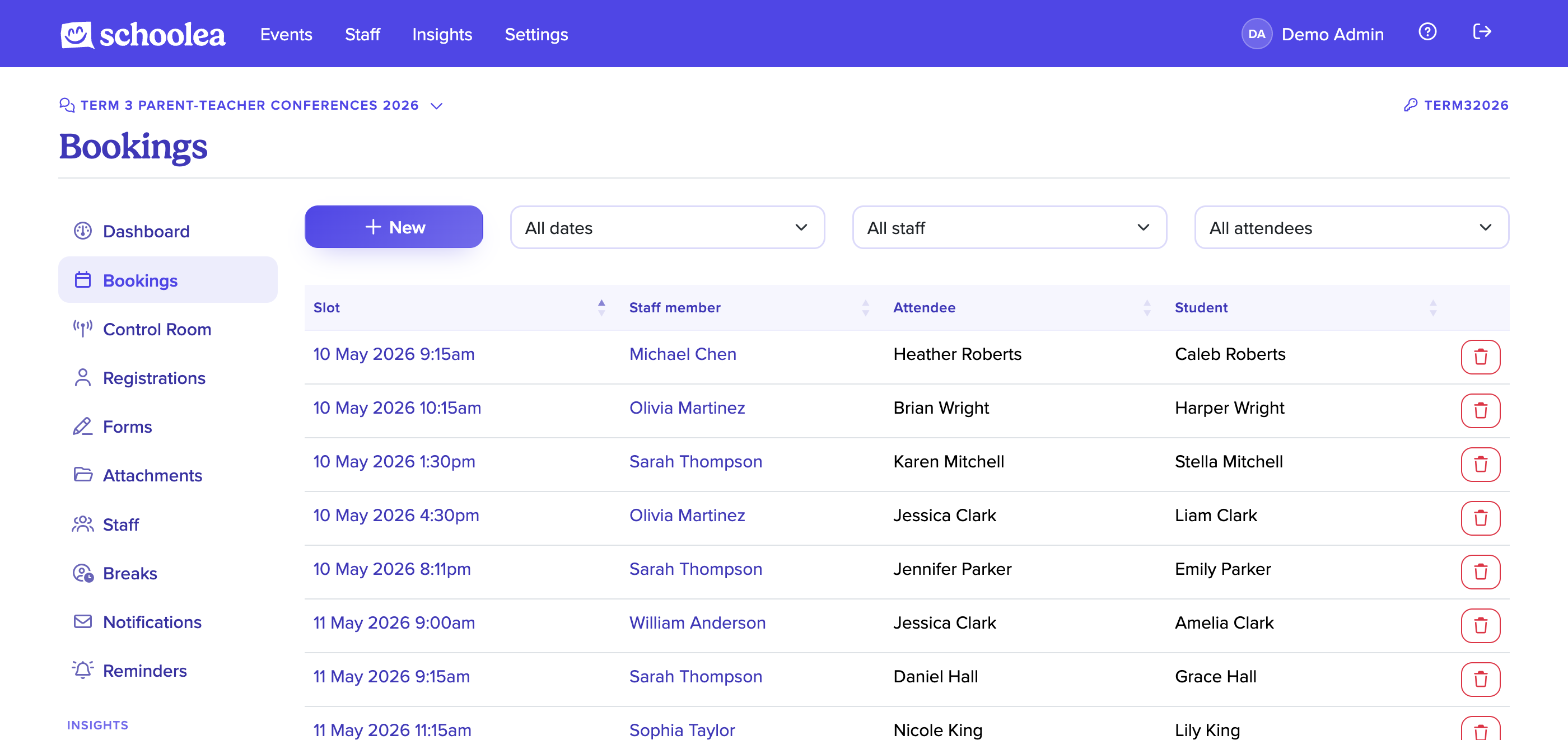
Scheduled appointments, not walk-in queues
Families book specific appointment times that suit their day, and your team gets a steady flow instead of an overwhelming rush. Set the appointment length to whatever your process actually takes, whether that is fifteen minutes for a straightforward registration or an hour for a full interview.
In-zone and out-of-zone intakes can run as separate events in the same account, each with their own eligibility questions, staffing, and slots. Reporting still rolls up so you can see the full picture across everyone who enrolled.
Documents arrive before the family does
Your booking form decides what the family needs to submit. Attach file upload questions for birth certificates, immunisation records, prior school reports, and custody paperwork, and mark which are required before the appointment can be confirmed.
Uploads are scanned for viruses automatically and stored securely, and your team can review everything ahead of time so the appointment itself is about the family, not the paperwork.
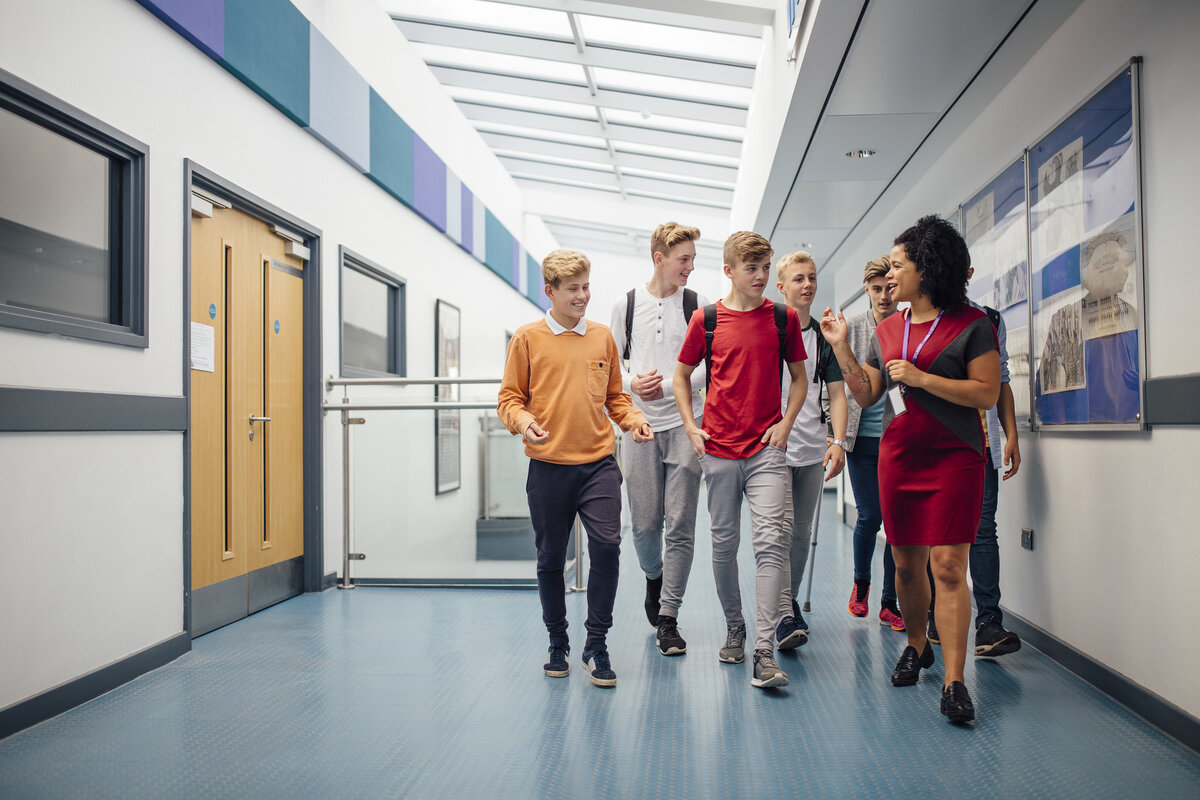

A professional first impression
Enrollment is often a family's first real interaction with your school, and the experience they have sets the tone for everything that follows. Clear confirmations, automatic reminders, and a smooth arrival all say that your school is a place that has its act together.
If you only need expressions of interest at this stage, run the event in registration-only mode to collect family details without booking an appointment, then reach out when enrollment dates are confirmed.
Most of the paperwork now arrives before the family does, which means the meeting itself can actually be about the family rather than chasing signatures. The office staff describe this as the first year the process has felt manageable.
Included with every Schoolea event
Email Reminders
Automatic confirmation and reminder emails go out to parents and staff the moment a booking is made, the day before the event, and on the morning of the event itself. The people who signed up actually show up, and they know exactly what to bring.
Fewer no-shows on the dayTimetables
Every staff member has a clear timetable that is ready to print, sync to their calendar, or pull up on their phone. Times, attendee names, notes, and meeting links are all on one screen, so nobody spends the night asking "who's next?".
Printable, syncable, mobile-readyCustomizable Forms
Custom registration, booking, and feedback forms collect exactly the information you need, whether that's dietary requirements, document uploads, or free-text reflections. Responses appear alongside the booking so staff never have to hunt for them.
Questions, uploads, and conditional logicStaff Access
Every staff member has their own login with access scoped to their role. Teachers see their own bookings. Event managers run the event. Finance managers see the billing. Admins run the whole account. Nobody sees more than they need to.
Roles, permissions, and audit logsReporting
Export attendance, booking lists, name tags, room signage, and event posters in one click. Every event has printable assets ready to hand to the team that is running it.
Name tags, posters, and attendance listsVideo Meetings
Online conferences run inside your event portal, so parents click their booking link and join a face-to-face meeting straight away without anything to download or any extra account to set up. Staff manage the conversation from the same timetable they use for in-person bookings, with the call window appearing alongside the schedule for the day.
No downloads, no third-party accountsStatistics
Live dashboards show booking pace, utilisation, no-show rates, and feedback responses. At the end of the year, every event rolls up into a single insights report that pulls attendance, feedback trends, and growth across the whole calendar into one place, ready to hand to the board, PTA, or leadership team. Decisions for next year's event are made from the data, not the gut feel.
Utilisation, pace, and feedback all in one view