

Put students at the centre of the conversation
Student-led conferences turn reporting nights into something students own. They walk their families through their own learning while teachers guide the conversation. Schoolea handles the scheduling the same way it does for parent-teacher events, with the important difference that every booking is locked to a specific student.
How it works
Link every booking to a student
Set up the event the same way as a parent-teacher conference, with the key difference that every booking is tied to a specific student. The student is always part of the record, never an afterthought.
Families book and prepare
Parents book online, choose the student who will be presenting, and answer any preparation questions you have set, such as portfolio topics or reflection prompts.
Hand the floor to the student
Teachers arrive with the full timetable and preparation notes in hand, ready for the student to lead the conversation about their own learning.

Every booking belongs to a student
Standard parent-teacher conferences leave it to the teacher to remember which family belongs to which child. Student-led conferences make the student the subject of the booking, so there is never any ambiguity about who is presenting and who the conversation is about.
Families select the student when they book, and teachers see that student's name on the timetable alongside any notes that have come through.
Prepared students, prepared teachers
Ask the questions that matter before the day arrives. Custom booking forms can collect portfolio themes, reflection prompts, and the goals the student plans to speak to. When the family walks in, the teacher already knows what is about to be covered.
Families can also leave comments on their booking, flagging anything outside the student's preparation that they would like the teacher to be aware of.

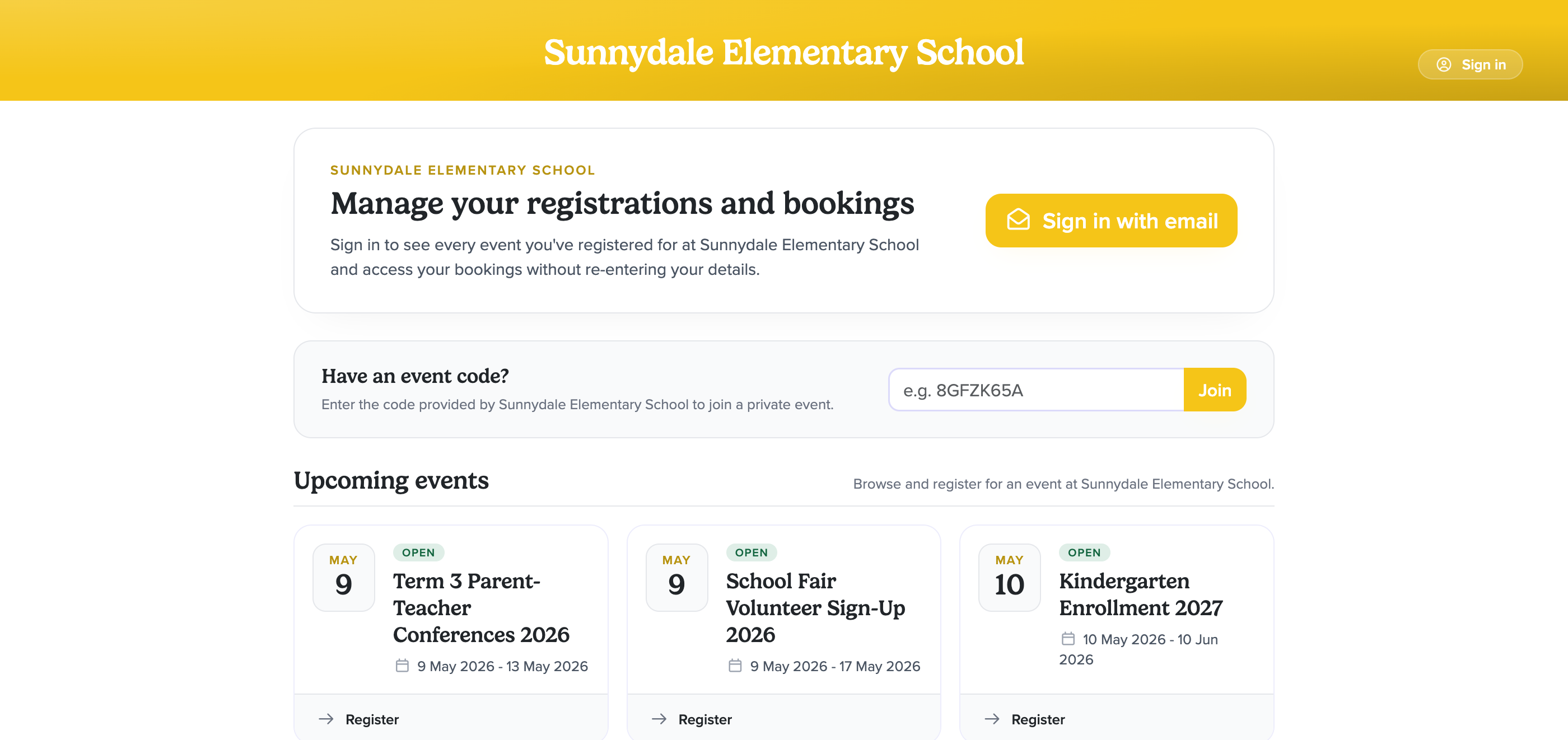
The scheduling your families already understand
The booking experience is identical to the parent-teacher conferencing event your families already know. A short event code, a choice of times, an instant confirmation, and reminders before the day. There is nothing new for families to learn and nothing new for you to explain.
Teachers still have their timetable available to print, sync to their calendar, or view on their phone, with the added context of the student presenting in every slot.
What surprised me was how much of a difference it made for the students themselves. When the booking has their name on it they treat the meeting as theirs, and the parents notice that. The conversation shifts because of it.
Included with every Schoolea event
Email Reminders
Automatic confirmation and reminder emails go out to parents and staff the moment a booking is made, the day before the event, and on the morning of the event itself. The people who signed up actually show up, and they know exactly what to bring.
Fewer no-shows on the dayTimetables
Every staff member has a clear timetable that is ready to print, sync to their calendar, or pull up on their phone. Times, attendee names, notes, and meeting links are all on one screen, so nobody spends the night asking "who's next?".
Printable, syncable, mobile-readyCustomizable Forms
Custom registration, booking, and feedback forms collect exactly the information you need, whether that's dietary requirements, document uploads, or free-text reflections. Responses appear alongside the booking so staff never have to hunt for them.
Questions, uploads, and conditional logicStaff Access
Every staff member has their own login with access scoped to their role. Teachers see their own bookings. Event managers run the event. Finance managers see the billing. Admins run the whole account. Nobody sees more than they need to.
Roles, permissions, and audit logsReporting
Export attendance, booking lists, name tags, room signage, and event posters in one click. Every event has printable assets ready to hand to the team that is running it.
Name tags, posters, and attendance listsVideo Meetings
Online conferences run inside your event portal, so parents click their booking link and join a face-to-face meeting straight away without anything to download or any extra account to set up. Staff manage the conversation from the same timetable they use for in-person bookings, with the call window appearing alongside the schedule for the day.
No downloads, no third-party accountsStatistics
Live dashboards show booking pace, utilisation, no-show rates, and feedback responses. At the end of the year, every event rolls up into a single insights report that pulls attendance, feedback trends, and growth across the whole calendar into one place, ready to hand to the board, PTA, or leadership team. Decisions for next year's event are made from the data, not the gut feel.
Utilisation, pace, and feedback all in one view